
Direct answer
Decide which problem you have: low frame rate (the picture stutters), simulation slowdown (units and the timer advance slowly), or a freeze (nothing responds). Late battles with many units and spells are the documented pressure point. Hotfixes 1.2.1, 1.2.2 and 1.2.3 each removed a different bottleneck, so check the build before applying an older workaround.
Three different problems
Players use “lag” for three states. The distinction matters because the fixes are different. Watch the battle timer as well as the picture: if the timer advances normally while the picture stutters, it is a rendering problem. If both crawl, it is simulation slowdown. If neither moves, it is a freeze.
| Observation | Problem | What it points to |
|---|---|---|
| Picture stutters, timer keeps pace | Low frame rate | Rendering load: units, spells, camera |
| Units and timer both advance slowly | Simulation slowdown | CPU or long-session state |
| Nothing responds; no timer movement | Freeze or hang | Crash path, memory, driver |
| Menu is sluggish for a few seconds after launch | Known load lag | Post-1.2.0 menu initialisation |
Swipe the table horizontally to see every column.
What each hotfix changed
| Build | Change | What it targets |
|---|---|---|
| 1.1.0 | Improved performance in very large battles and interface performance | General large-battle load |
| 1.2.0 | Improved performance in the largest battles; camera zooms out as the field fills | Visibility and load at high unit counts |
| 1.2.1 | Improved large-battle performance; fixed late battles slowing as enemies piled at the right edge | A specific late-battle accumulation |
| 1.2.2 | Improved rendering with many spell effects; fixed frequent save writes and Cloud uploads during battles | Spell-heavy frames and disk/network stalls |
| 1.2.3 | Reworked unit collisions and removed multiple bottlenecks; battlefield zooms out further on high levels | CPU cost of large crowds; late-level visibility |
Swipe the table horizontally to see every column.
If a report predates 1.2.1, its “late battle” cause may already be fixed. If it predates 1.2.3, it may not include the collision rework. Always check the build before copying a workaround.
Known reports and what they establish
A 21 November 2026 thread reports Level 30 at under 1 FPS with 40,000 friendly units, 12% CPU use and 3.5 GB of memory. The player found that surrendering, quitting and restarting restored normal speed and then finished the game. That points to a long-session or memory-state problem in the pre-1.2.1 build, not a permanent hardware limit. The developer replied that optimisation of the final level and larger battles would continue.
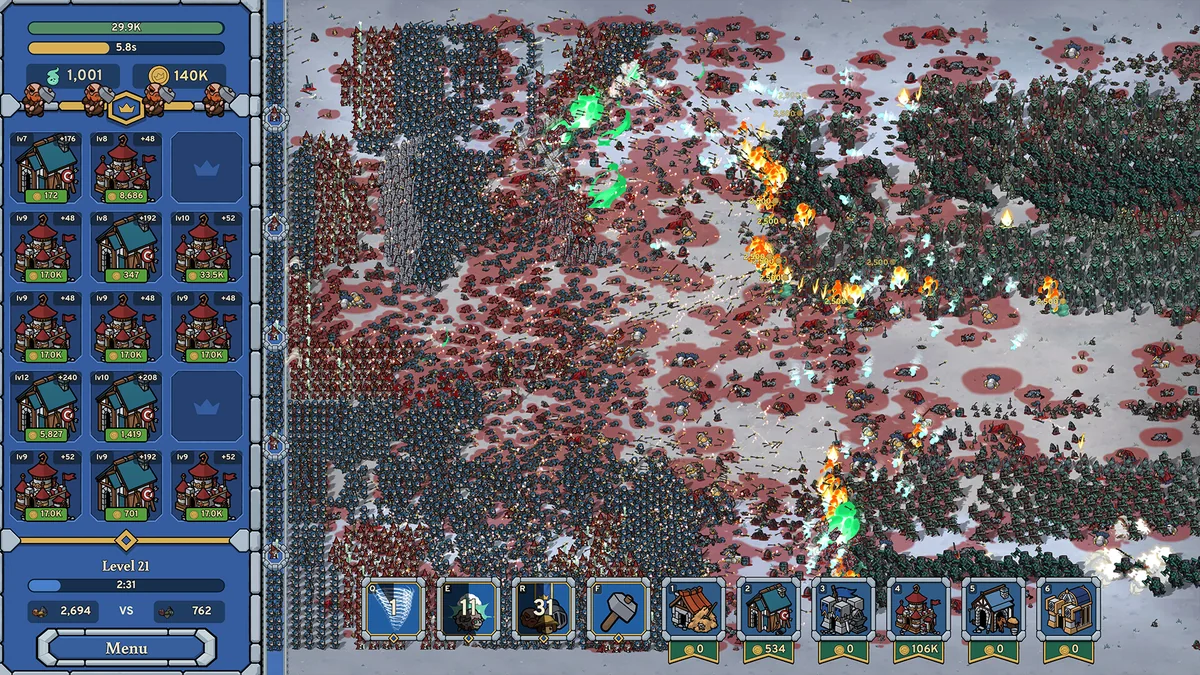
A separate report describes the main menu lagging for about four seconds after the 1.2.0 update, then normalising. That is consistent with a one-time initialisation cost rather than an ongoing performance problem.
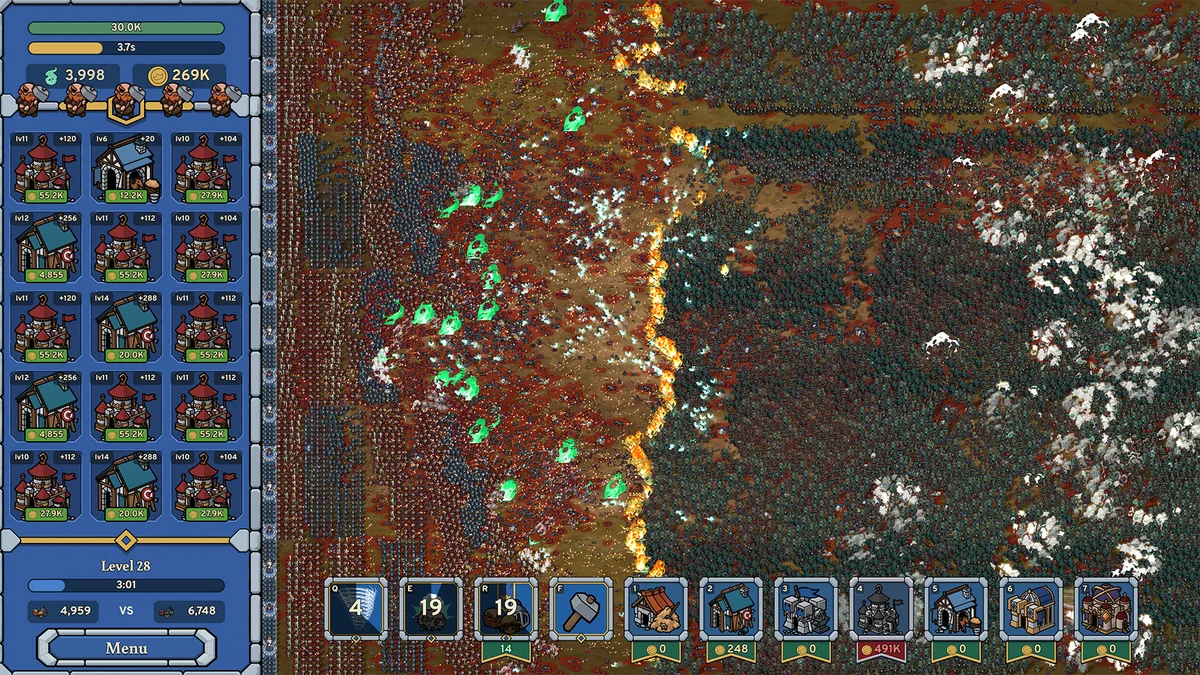
There is no published frame-rate benchmark for any GPU or for the Steam Deck. Claims of a specific average FPS in this game should be treated as one machine’s result.
Steam Deck and Linux
A detailed Linux report from 19 November 2026 identifies Proton’s Xalia accessibility helper as a major cost in large fights. Setting the launch option PROTON_USE_XALIA=0 %command% took the reporter’s big fights from about 7 FPS to 25+ FPS. A second player confirmed the final fight became smooth with the same option. That is a platform-specific workaround, not an official fix.
The same report profiles two game-side allocation costs, but those are developer-facing findings. Players should not expect the launch option to fix Windows performance; it targets Proton overhead.
- Set the launch option in Steam → Properties → Launch Options.
- Test the same battle before and after; do not change several settings at once.
- If the game still slows, check whether 2× speed is on, since that amplifies an already heavy load.
Windows checks in order
- Confirm the build is 1.2.3. Several bottlenecks were fixed after launch.
- Turn off 2× speed for the test. It increases the load and can make a marginal fight worse.
- Lower the battle load. Fewer simultaneous spell effects and a smaller army mix reduce rendering cost; this is a test, not a permanent fix.
- Restart the game after a long session. The documented Level 30 recovery was a full restart, which suggests accumulated state in older builds.
- Update the GPU driver and close overlays. General checks, not documented game-specific fixes.
- Verify files once. If nothing changes, stop changing the installation and report instead.
Reporting a persistent problem
Include the build, platform, GPU, battle level, unit counts, whether 2× was on, and whether a restart changed the result. The --performance-log launch option added in 1.1.0 produces a log intended for this purpose. Send it to [email protected].
If the game never reaches the menu, use the startup guide instead; that is a different failure path.
Questions players ask
Why is Level 30 so slow?
The final level combines the largest unit counts, the widest battlefield and boss effects. Hotfixes 1.2.1–1.2.3 targeted late-battle accumulation, spell rendering and unit collisions. If you are on 1.2.3 and still see a freeze, report the build and hardware.
Does 2× speed cause lag?
It can make an already heavy battle worse. A community report describes returning to 1× to make a laggy fight tolerable. That is a workaround, not a fix for the underlying frame rate.
Is there a Steam Deck fix?
Linux and Deck players report that the launch option PROTON_USE_XALIA=0 %command% raised big-fight frame rates substantially. It is a community workaround for Proton overhead.
Why is the main menu slow for a few seconds?
A player report after 1.2.0 describes about four seconds of sluggishness on first load, then normal behaviour. It appears to be initialisation, not an ongoing problem.
Are there official FPS benchmarks?
No. The notes describe fixes but publish no frame-rate targets or per-GPU benchmarks.
Sources and scope
This page was written from public sources checked on 25 November 2026. No hands-on play is claimed. Patch behaviour can change; the build noted at the top is the scope of these notes.
- Hotfix 1.2.1 notesLarge battles and right-edge accumulation
- Hotfix 1.2.2 notesSpell rendering and save writes
- Hotfix 1.2.3 notesCollision rework and zoom
- Steam discussion: Level 30 low FPSPlayer report and restart recovery
- Steam discussion: Linux and Deck fixPROTON_USE_XALIA workaround
- Polished Games contact pageOfficial support address